Shalom

LOWER INTERMEDIATE, ALL HARPS.  The inspiration for this book came from a workshop given by Sunita Stanislow.

$15.00

Quantity Discount Per Item Price
2+ 10% $13.50
Quantity Discount Per Item Price
2+ 10% $13.50

Description

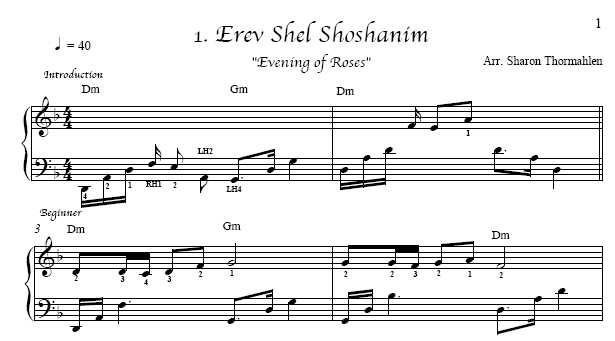
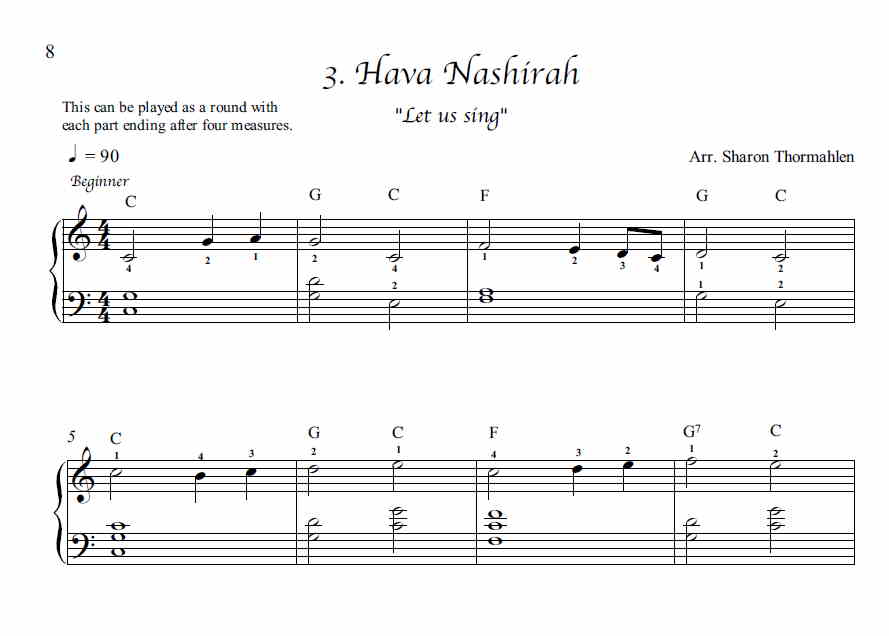
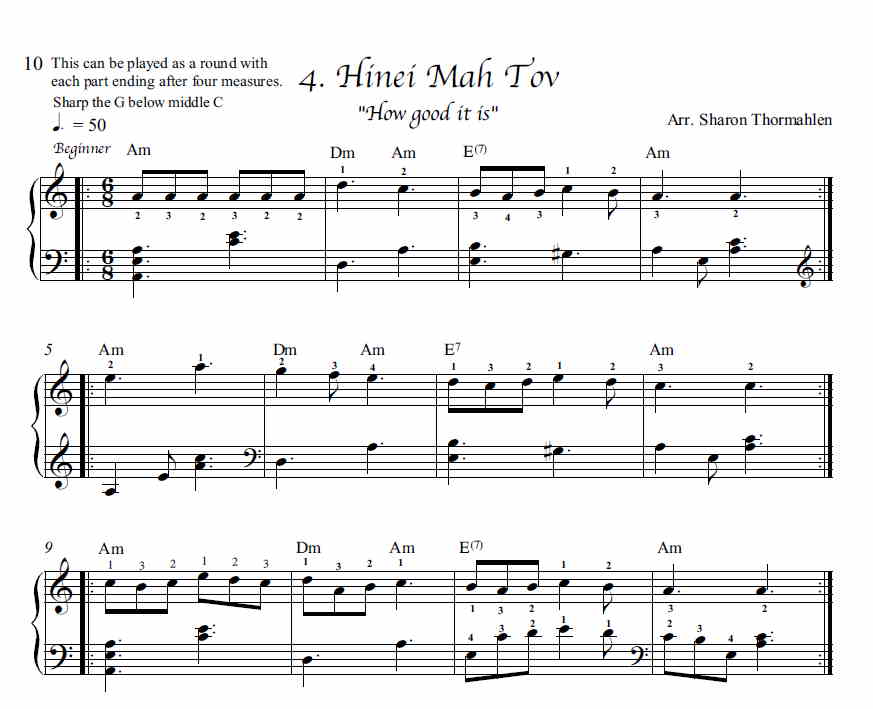
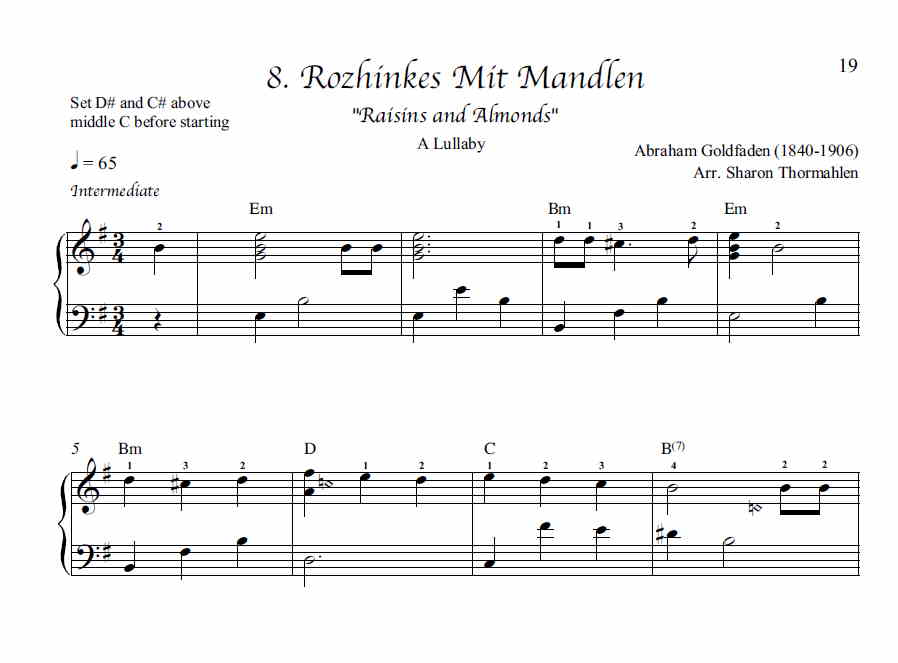
Composer and arranger Sharon Thormahlen has this to say about her new book: This book has been a really great project! The inspiration came from going to a workshop given by Sunita Stanislaw last Spring (2005). It brought me back to my Jewish roots and the tunes I grew up with. As I decided which tunes to include, the melodies just poured out of my memory and through my fingers. Originally I was going to make easy and intermediate arrangements of each song, but then decided to combine them by using the intermediate arrangement as variations to the easy arrangement. The easy arrangements are generally the first time through the tune. I included a separate easy arrangement for Tumbalalaika. There are a couple of rounds, which would be fun to use for Harp Circles and with friends. They are Hava Nashira with three parts and Hinei Mah Tov with two parts. I included a tune I wrote which, to me, sounds like a Jewish melody. I named it The Promise, (in Hebrew: Havtacha). This is not the kind of promise that you feel guilty about not keeping. It is an unspoken promise that just happens, like giving your puppy a treat when she sits. I also included Rikud Began Eden which is a tune I wrote and is found in my book called A Rose In Winter. It means Dancing in Heaven in Hebrew.

Table of Contents: Erev Shel Shoshanim (Evening of Roses), Rikud Began Eden (Dancing in Heaven), Hava Nashira (Let Us Sing), Hinei Mah Tov (How Good it is), Shalom Medley (Peace), Havtacha (The Promise), Ma Navu (How Pleasant), Rozinkes Mit Mandlen (Raisins and Almonds), Hatikvah/Zum Gali Gali (Hope and Peace), Tumbalalaika (Play the Balalaika), Hatikvah/Tumbalalaika, The Borucha (Blessing of the Candles)

Additional information

Weight N/A
Dimensions N/A
Choose either PDF Digital Download or Paper Book Product.

,

Downloadable Product Information

Here at Melody’s we offer a wide array of music books and accessories.  In the music book category, you may have a choice between PDFs (or MP3s) and paper books. If there is a choice, you are required to click either the paper version or PDF version before you can put an item into your cart. There should be no shipping charge for download music.  If there are physical products in your cart at the same time, your total will reflect shipping for those physical items.

Products that are download only will have a narrow blue banner toward the top of the description.   Products that are only available as physical/paper will not have a choice for you to make in order to add to your cart, nor will they have the narrow blue banner signifying download only.

After you check out, you are directed back to your receipt where you can download your music. Also, you will receive an email thanking you for your order with links that will take you to your downloads. Please add melodytradmusic@gmail.com to your approved e-mail list. If you do not receive an e-mail within a few minutes after you place your order, check your spam folder.

If you created an account with us, you can also find your downloads by going to “My Account” and clicking on the “Downloads” link.  We highly recommend that you create an account so that you can refer to your order history whenever you want.

Depending on your computer settings, when you click on your download link, 1 –  it may open automatically, 2 – it may go into your “downloads” folder, or 3 – your computer may prompt you to “save as”. 

If you have a problem with your downloads, please contact us at MelodyTradMusic@gmail.com  for assistance. Because our website contains so many titles, on occasion we have overlooked uploading a PDF here or there.  When you notify us of this, we make the correction immediately.  Please note that downloads are not “returnable.”

PDF DOWNLOADS

Depending on your computer settings, when you click on your download link, 1 –  it may open automatically, 2 – it may go into your “downloads” folder, or 3 – your computer may prompt you to “save as”.  If you can’t find your PDF, look in your “downloads” folder first.  The title of the PDF may not match the title of the book, so you may want to change the title to what you will remember. After you have located your download, please either remember that it is in your “downloads” folder, or better yet, move it to another folder on your computer with a name that you will remember.

Your respect of the copyright laws will help support the musicians and arrangers who created this music, and will encourage more harp music to be produced in the future. Please do not make multiple copies to pass on to others. You can help keep downloadable harp music viable and available by encouraging your students, friends, and relatives to purchase their own copies. Thank you for your assistance in this endeavor.

mp3 DOWNLOADS

On our website, folkharp.com, we offer a wide selection of paper and download music. We were always in a quandary about publications having several parts, or that include sound files. After realizing that we can place multiple files into one folder and “zip” it up, we are now able to offer book + cd options.

What we do: sound files and the PDF book are placed into a folder and zipped. The zipped folder is inserted into the product on the back end of the web site.

What you receive: after you purchase, you receive a zipped folder. This is a folder that literally has a picture of a zipper on it, indicating there is more than one document in the folder.

What you do with it: Generally by double clicking on the folder, it automatically opens up. The challenge lies in whether or not you have a program that unzips these folders. If you do, it is as simple as double clicking and the contents are revealed. Alternately, you can right click on the folder, which brings up choices, one of which is “open with” – you then click on your unzip program.

If you don’t have a program to unzip your files you’ll have a challenge! Recently I bought a small laptop for my zoom lessons. This laptop did not come with winzip, or any other kind of program that unzips these folders. The computer kept wanting me to purchase winzip for $29.  I found another program that does a great job, and it is free. 7-zip unzips all my compressed (zipped) folders! It is open source and you can find out more here:https://www.7-zip.org/

We hope all this information is helpful to you.

Haven't used our site since before May 2021?

If you haven't used our site since before May of 2021, please register again, because your old credentials won't work.