
Sharon Thormahlen recently gave a well-attended and informative talk on “How to Order Harp Strings.” There was good engagement and plenty of questions—many people wanted to know more. As a follow-up, we’ve put together a few additional details, including some helpful points that were (unintentionally) a bit hidden on our own Melody’s website. If you have further questions, Sharon is happy to hear from you. Feel free to reach out to her directly at harps@thorharp.com.
An additional interesting story about Bow Brand strings is up on FolkHarp.com as a Blog Post here: https://folkharp.com/all-about-strings/
Pedal harp strings handout referred to in the webinar (link to webinar below).
We’d like to illustrate some of the detailed points at FolkHarp.com that will assist you in ordering strings. This announcement is a bit lengthy, but we believe the content is important. If you’re serious about correctly ordering strings for your harp—and reducing the stress that can come with it—we encourage you to read through to the end.
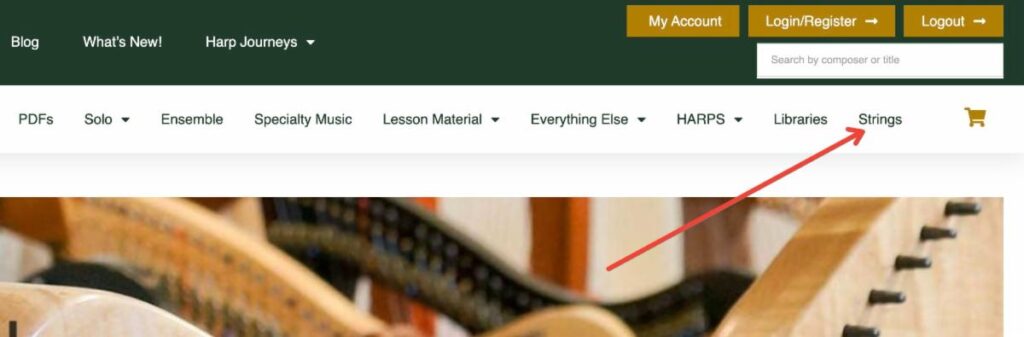
1 – find the “strings” link (see pictures below)
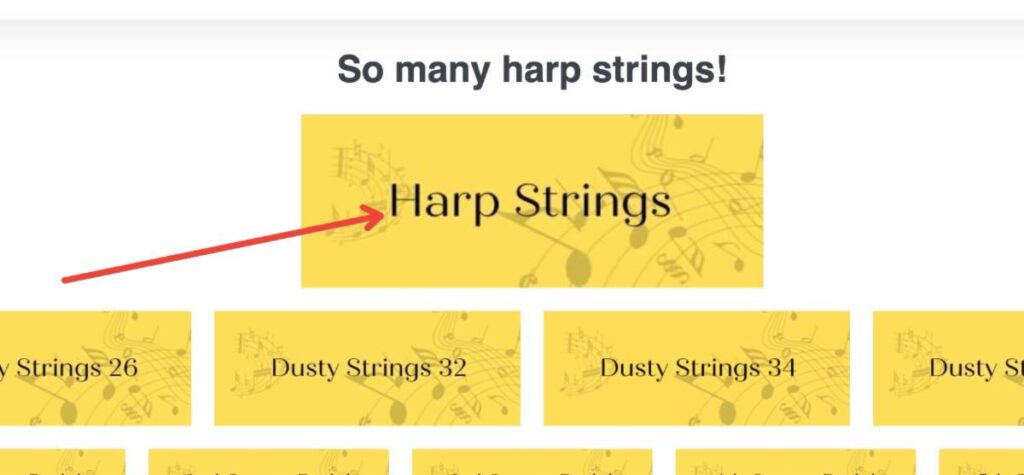
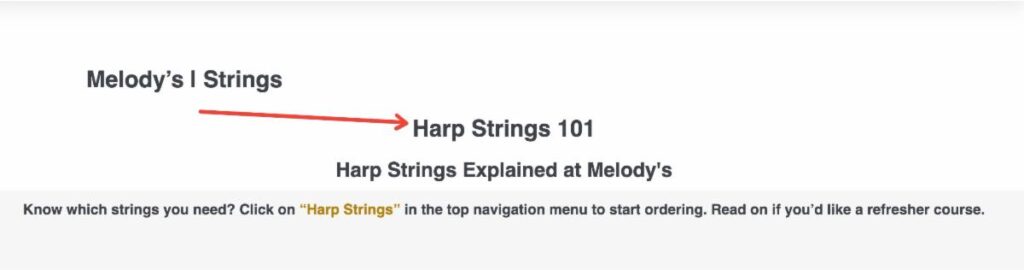
2 – Determine if you already know the exact strings you need to order, or if you need a little guidance. In the case of the latter, click the general “harp strings” tab. This takes you to “Harp Strings 101”. (see pictures below)
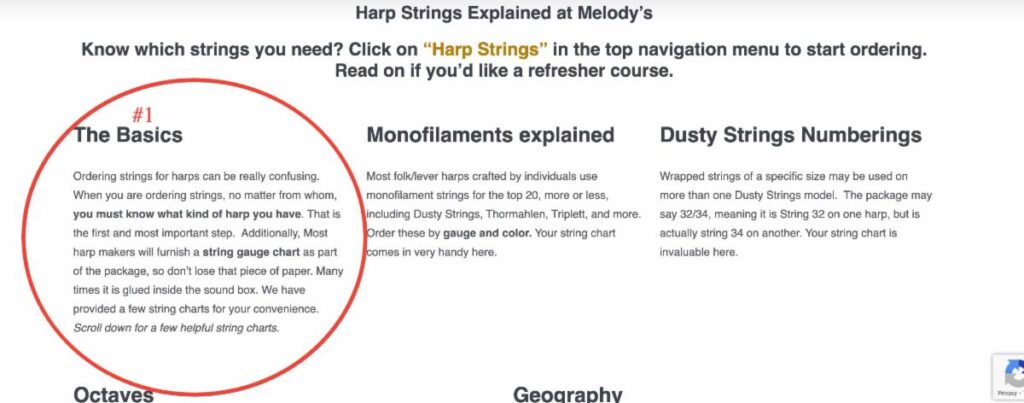
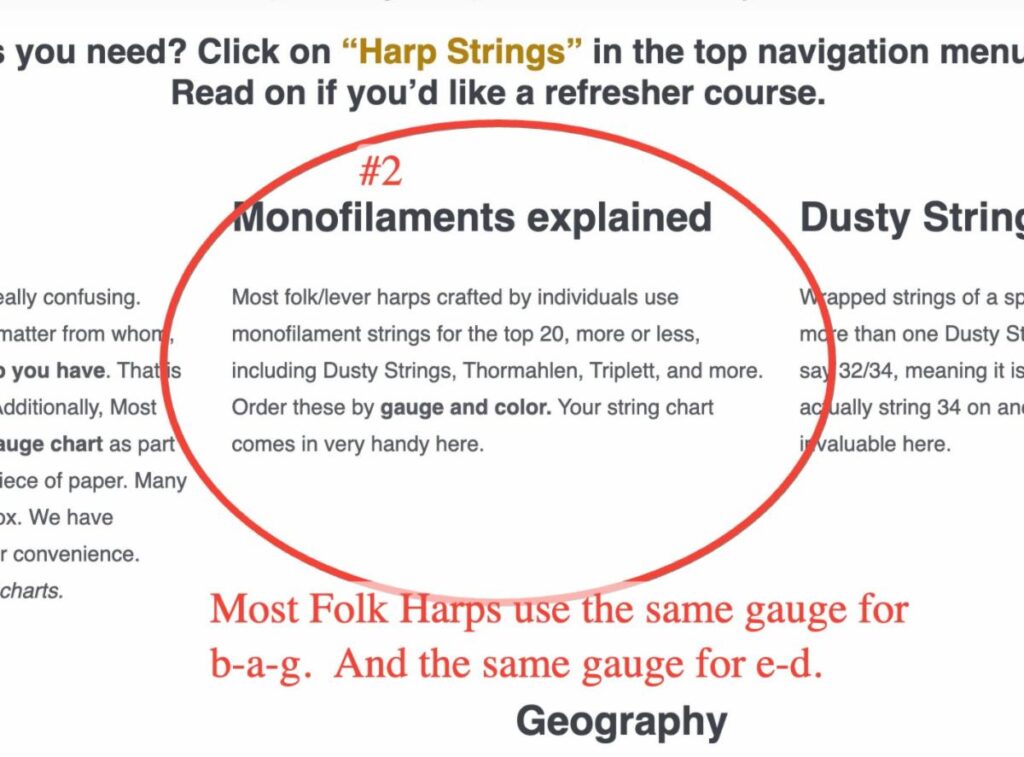
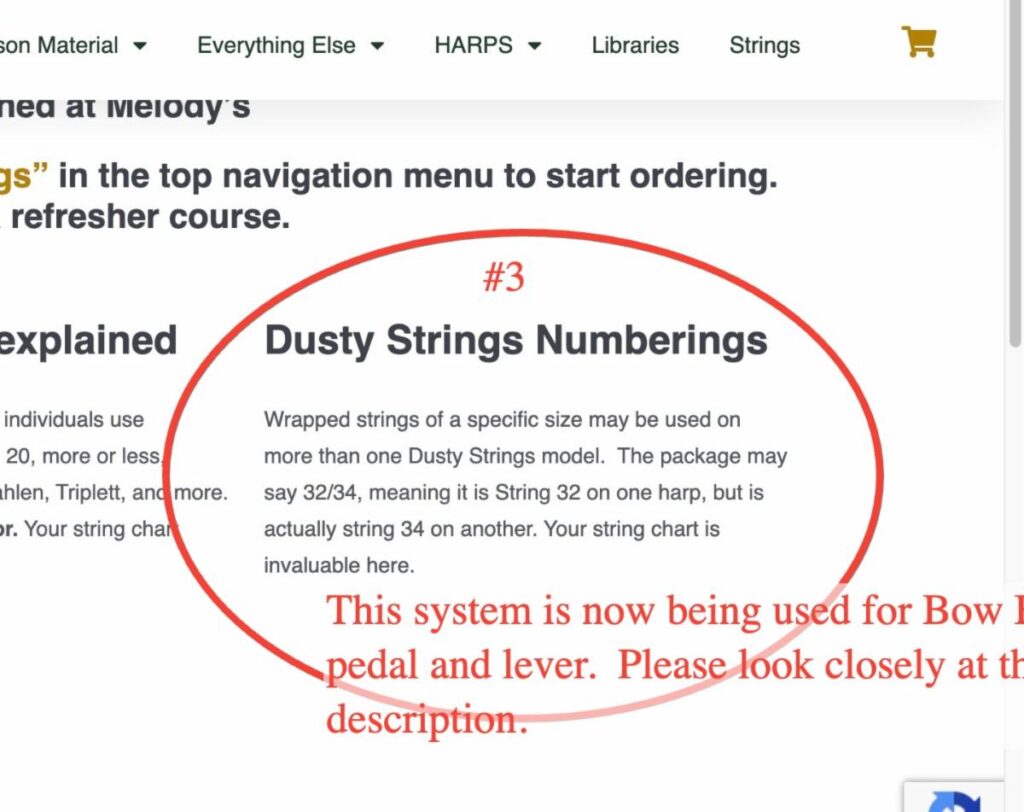
3 – Notice “The Basics”, “Monofilaments Explained”, and “Dusty Strings Numberings”.
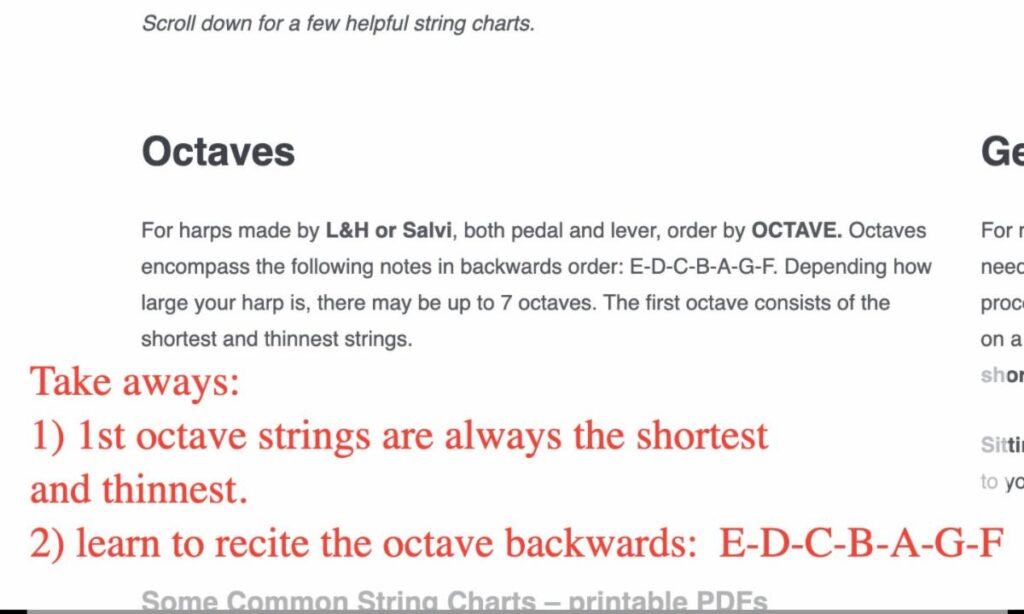
4 – Under that is a bit about Pedal Harp Octaves. Please know that if you have a L&H Prelude, Troubadour, Ogden, etc., these usually use pedal harp strings.
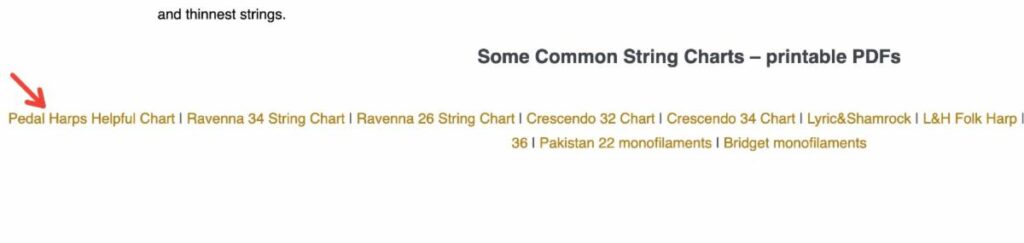
5 – Lastly, see the PDF downloads of some of the more common harp string charts. The arrow is pointing to a very informative PDF download, which will be helpful to parents and orchestra directors needing to order strings for student harps and harpists. As Sharon pointed out, Markwood Strings and North Shore Strings may already have string charts for your harp if your harp is not listed.
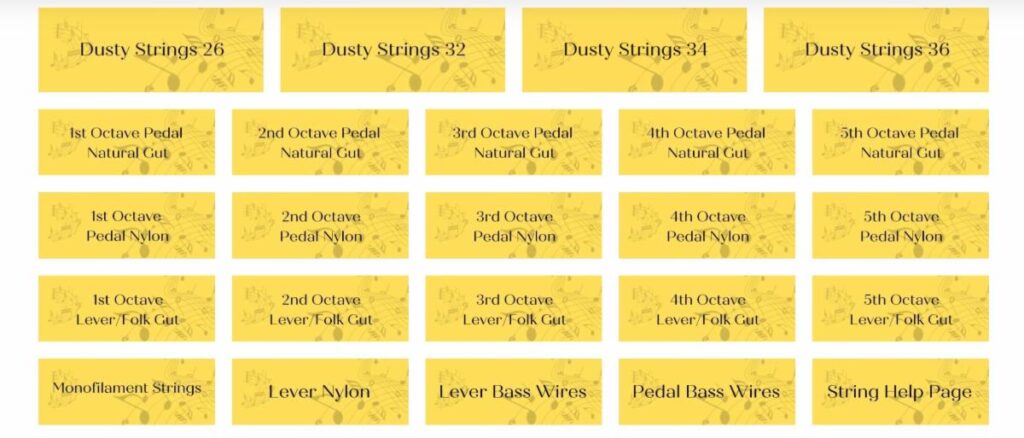
At Melody’s (FolkHarp.com) we strive to make ordering as easy as possible. Nick is working on a seamless way to order strings. The procedure requires a lot of space on the backend of the site, which can slow things down and complicate other ordering processes. So as he continues to work with that challenge, the only way we can present the strings now is in the following chart, all boxes are clickable and lead to that category of strings. To get to the clickable version of our string menu pictured below, click HERE
Here at Melody’s we offer a wide array of music books and accessories. In the music book category, you may have a choice between PDFs (or MP3s) and paper books. If there is a choice, you are required to click either the paper version or PDF version before you can put an item into your cart. There should be no shipping charge for download music. If there are physical products in your cart at the same time, your total will reflect shipping for those physical items.
Products that are download only will have a narrow blue banner toward the top of the description. Products that are only available as physical/paper will not have a choice for you to make in order to add to your cart, nor will they have the narrow blue banner signifying download only.
After you check out, you are directed back to your receipt where you can download your music. Also, you will receive an email thanking you for your order with links that will take you to your downloads. Please add melodytradmusic@gmail.com to your approved e-mail list. If you do not receive an e-mail within a few minutes after you place your order, check your spam folder.
If you created an account with us, you can also find your downloads by going to “My Account” and clicking on the “Downloads” link. We highly recommend that you create an account so that you can refer to your order history whenever you want.
Depending on your computer settings, when you click on your download link, 1 – it may open automatically, 2 – it may go into your “downloads” folder, or 3 – your computer may prompt you to “save as”.
If you have a problem with your downloads, please contact us at MelodyTradMusic@gmail.com for assistance. Because our website contains so many titles, on occasion we have overlooked uploading a PDF here or there. When you notify us of this, we make the correction immediately. Please note that downloads are not “returnable.”
PDF DOWNLOADS
Depending on your computer settings, when you click on your download link, 1 – it may open automatically, 2 – it may go into your “downloads” folder, or 3 – your computer may prompt you to “save as”. If you can’t find your PDF, look in your “downloads” folder first. The title of the PDF may not match the title of the book, so you may want to change the title to what you will remember. After you have located your download, please either remember that it is in your “downloads” folder, or better yet, move it to another folder on your computer with a name that you will remember.
Your respect of the copyright laws will help support the musicians and arrangers who created this music, and will encourage more harp music to be produced in the future. Please do not make multiple copies to pass on to others. You can help keep downloadable harp music viable and available by encouraging your students, friends, and relatives to purchase their own copies. Thank you for your assistance in this endeavor.
mp3 DOWNLOADS
On our website, folkharp.com, we offer a wide selection of paper and download music. We were always in a quandary about publications having several parts, or that include sound files. After realizing that we can place multiple files into one folder and “zip” it up, we are now able to offer book + cd options.
What we do: sound files and the PDF book are placed into a folder and zipped. The zipped folder is inserted into the product on the back end of the web site.
What you receive: after you purchase, you receive a zipped folder. This is a folder that literally has a picture of a zipper on it, indicating there is more than one document in the folder.
What you do with it: Generally by double clicking on the folder, it automatically opens up. The challenge lies in whether or not you have a program that unzips these folders. If you do, it is as simple as double clicking and the contents are revealed. Alternately, you can right click on the folder, which brings up choices, one of which is “open with” – you then click on your unzip program.
If you don’t have a program to unzip your files you’ll have a challenge! Recently I bought a small laptop for my zoom lessons. This laptop did not come with winzip, or any other kind of program that unzips these folders. The computer kept wanting me to purchase winzip for $29. I found another program that does a great job, and it is free. 7-zip unzips all my compressed (zipped) folders! It is open source and you can find out more here:https://www.7-zip.org/
We hope all this information is helpful to you.
If you haven't used our site since before May of 2021, please register again, because your old credentials won't work.